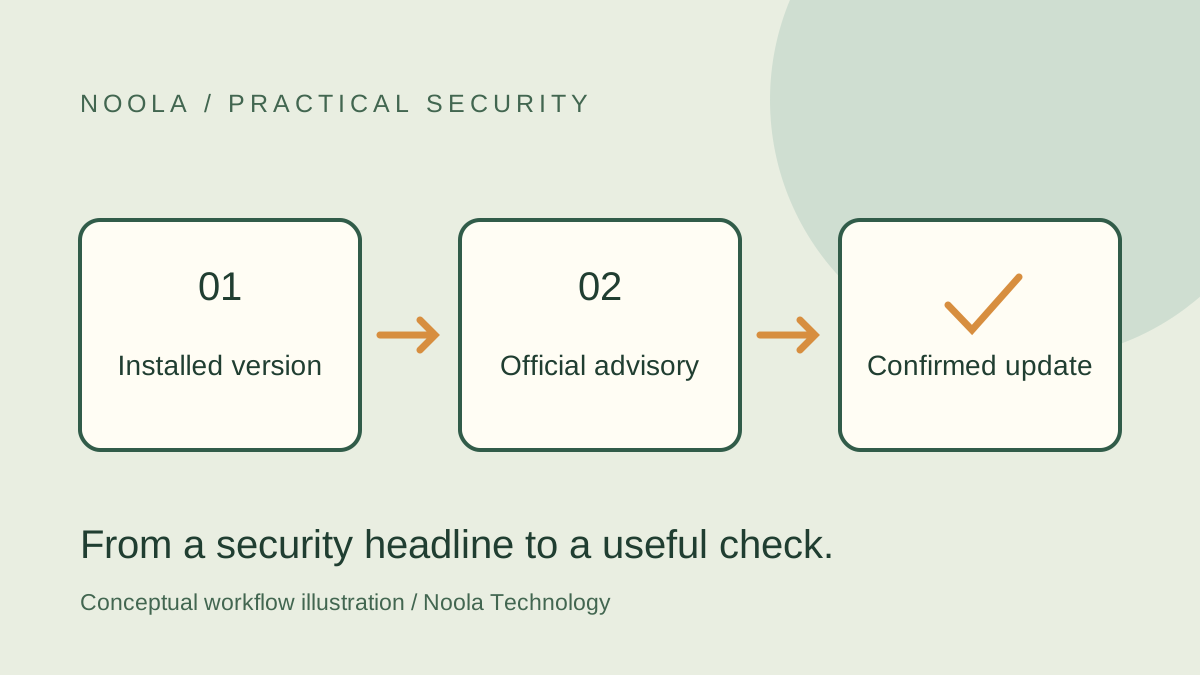
A security headline can create urgency without telling you whether your device is affected. The useful next step is to connect the vendor’s advisory to the exact software in use. This guide offers a small worksheet for doing that. It is an approach to reading official notices, not a verdict that an unexamined device is safe.
Separate identification from severity
Start with the product, platform and advisory identifier. A mobile browser advisory and a desktop browser advisory can belong to the same vendor while describing different affected software. Keep the original official notice open as you work.
Severity describes an issue’s characteristics; it does not tell you, by itself, which devices in your household or organization run the affected component. FIRST’s CVSS framework distinguishes intrinsic severity from threat and environmental considerations. Use a score as context for investigation rather than as a substitute for identifying the installation.
Build a five-field worksheet
The worksheet below is Noola Technology’s suggested way to keep a check organized. Leave a field marked unknown when you cannot establish it; a visible gap is more useful than a confident guess.
| Field | What to record |
|---|---|
| Notice | Official URL and advisory identifier, when one is provided |
| Installation | Product name, full version, platform and relevant channel |
| Applicability | Affected range or conditions stated by the vendor |
| Action | Fixed release, vendor workaround or administrator’s instruction |
| Confirmation | Version or configuration observed after the action, and when |
Match the installation before drawing a conclusion
Read the notice’s affected and fixed versions alongside the version shown by the product. An article about the latest release may be useful background, but the vendor’s advisory is the place to check the specific issue and its stated conditions.
For example, Mozilla’s Firefox for iOS 160 advisory lists the product and fixed release and separates individual issues by impact. Those details let a reader identify what to compare on an iPhone; they do not establish the status of desktop Firefox. If the notice does not cover your installation, find the correct notice instead of transferring a conclusion across products.
Worked example: checking two different devices
Hypothetically, a small team sees a mobile-browser vulnerability headline. One person uses the named browser on an iPhone; another uses a desktop edition. They record each installation separately and find the relevant vendor notice for each platform. The mobile user follows the official update route and records the version afterward.
Their worksheet has two rows because the original headline answered only one product question. If the desktop status remains unknown, they keep it open for a separate check. They do not label the whole team patched because one person completed an update.
Complete the action and verify the result
Follow the vendor’s update or mitigation instructions, including any restart that applies. For Chrome, Google’s support instructions use the About page and a Relaunch control when needed. Other products have their own update routes; an instruction for one is not a universal procedure.
Record what changed after the action. If an installation is centrally managed, hand the worksheet to the administrator rather than changing management settings. If the notice describes exploitation or urgent action, preserve that context in the handoff instead of reducing it to a version number alone.
Questions a headline cannot answer
An advisory may not tell you whether your own data was accessed. Installing a fix addresses the software state; it is not evidence about every event that occurred beforehand. Likewise, a notice that does not mention exploitation should not be read as proof that exploitation is impossible.
Our recommendation is to finish with a specific statement: which installation was checked, which official instruction was followed and what was observed afterward. Escalate unresolved applicability, failed updates or suspected compromise through the appropriate support or security process.